
Adding context
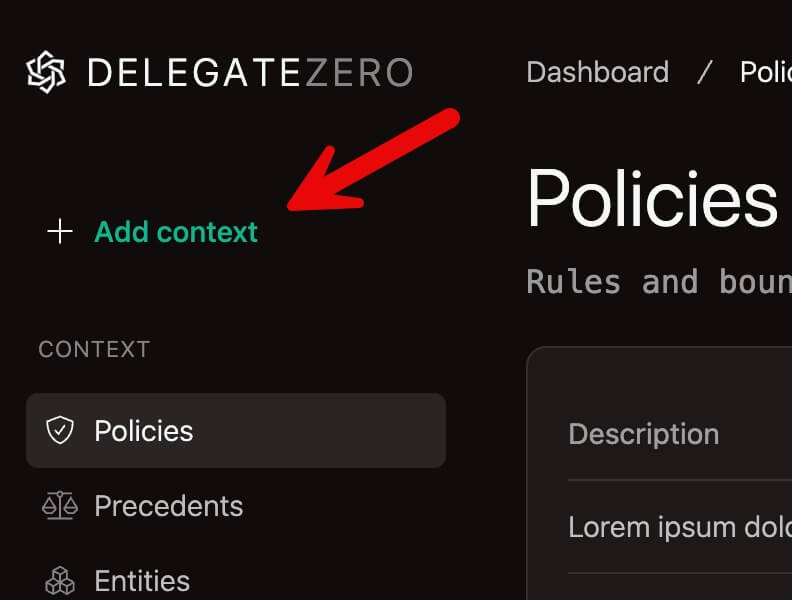
You add context through the DelegateZero dashboard. The primary way to do this is by clicking on the + Add context button.

This interface is intentionally flexible - a blank canvas. You can paste text, describe a rule, upload a file, or add notes in plain language. DZ will analyze what you provide and catalog it appropriately.
You don't need to decide in advance whether something is a policy, precedent, or reference, although, the more specificity you can provide, the better. If you're unsure, just add it — DZ will classify and store it for you.
You can add context at any time and are encouraged to do so to improve the quality of your responses. New context is immediately available for future decisions.
There are no results for that search on this page, however, if you press the enter key then our entire documentation will be searched and you will receive the results. If you need assistance, please contact us.